

How to Program Your Garage Door Remote: A Complete Guide
Programming your garage door remote can seem like a daunting task, but it doesn't have to be. With the right guidance, you can easily set up your remote to ensure your garage door operates smoothly and securely. Here at Rescue Garage Door Repair, we specialize in garage door services in San Ysidro, CA, and are here to help you with all your garage door needs.
Understanding Garage Door Remote Systems
Before diving into the programming process, it's essential to understand how garage door remote systems work. There are primarily two types:
- Fixed Code Systems: These remotes use a predetermined code that doesn't change.
- Rolling Code Systems: These feature a constantly changing code for enhanced security.
Knowing your system type will make programming easier.
Reasons to Program Your Garage Door Remote
There are several situations when you might need to program your garage door remote:
- New remote purchase
- Changing the batteries
- Remote malfunction
- Security upgrades
Steps to Program Your Garage Door Remote
Follow these detailed steps to program your garage door remote successfully:
Step 1: Gather Your Materials
Before you start, ensure you have:
- Your garage door remote
- A ladder (if needed)
- Owner’s manual for your garage door opener
Step 2: Locate the Learn Button
Most garage door openers have a “Learn” button. It’s usually found on the back or side of the motor unit. Here’s how to find it:
- Use your ladder to reach the garage door opener.
- Look for a button labeled “Learn,” “Program,” or similar.
- Take note of the LED light associated with it, as it will blink during programming.
Step 3: Clear Existing Codes (Optional)
If you want to clear old codes before programming a new remote, press and hold the Learn button until the LED light turns off. This will reset the system.
Step 4: Program the New Remote
Follow these steps to program your remote:
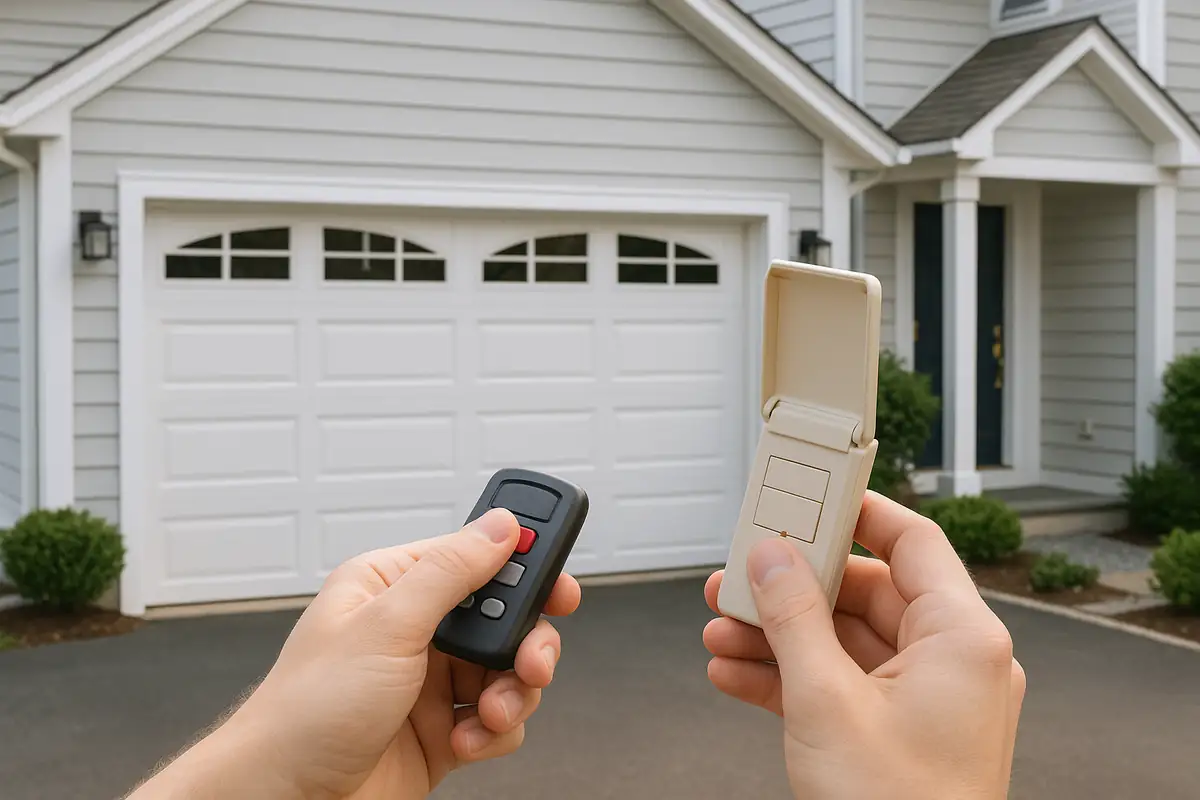
- Press the Learn button on your garage door opener. The LED light should start blinking.
- Within 30 seconds, press and hold the button on your remote that you wish to program.
- Release the remote button once the garage door opener light flashes or you hear two clicks.
Step 5: Test Your Remote
Stand at a safe distance and press the button on your remote to check if the garage door opens or closes. If it works, you’ve successfully programmed your remote!
Troubleshooting Common Issues
If your garage door remote fails to work after programming, consider the following troubleshooting tips:
- Make sure the batteries in the remote are fresh and properly installed.
- Check if the learn button was pressed correctly.
- Ensure there is no interference from nearby devices.
- Review your owner’s manual for specific troubleshooting steps.
When to Call a Professional
If you’ve tried all troubleshooting steps and still face issues, it’s time to call in the experts. A malfunctioning remote could indicate a deeper problem with your garage door system. Contact Rescue Garage Door Repair for assistance in San Ysidro, CA.
Additional Tips for Garage Door Maintenance
To ensure your garage door remains in optimal condition, consider these maintenance tips:
- Regularly clean the remote and the garage door opener.
- Check the door’s balance and alignment.
- Lubricate the moving parts at least once a year.
Conclusion: Keeping Your Garage Door Secure
Programming your garage door remote is a simple yet essential part of managing your garage door system. Keeping your remote functioning correctly not only enhances convenience but also ensures your home remains secure. If you encounter any issues or prefer professional assistance, don’t hesitate to reach out to Rescue Garage Door Repair, your trusted garage door service in San Ysidro, CA. We’re here to help!
Explore More Resources
Related Articles
Service Areas
We proudly serve San Ysidro, Del. Centro, Tijuana, Tijuana River Valley, Otay Mesa and more areas.
Our Services
Professional garage door repair, spring repair, opener installation and more. View all services →
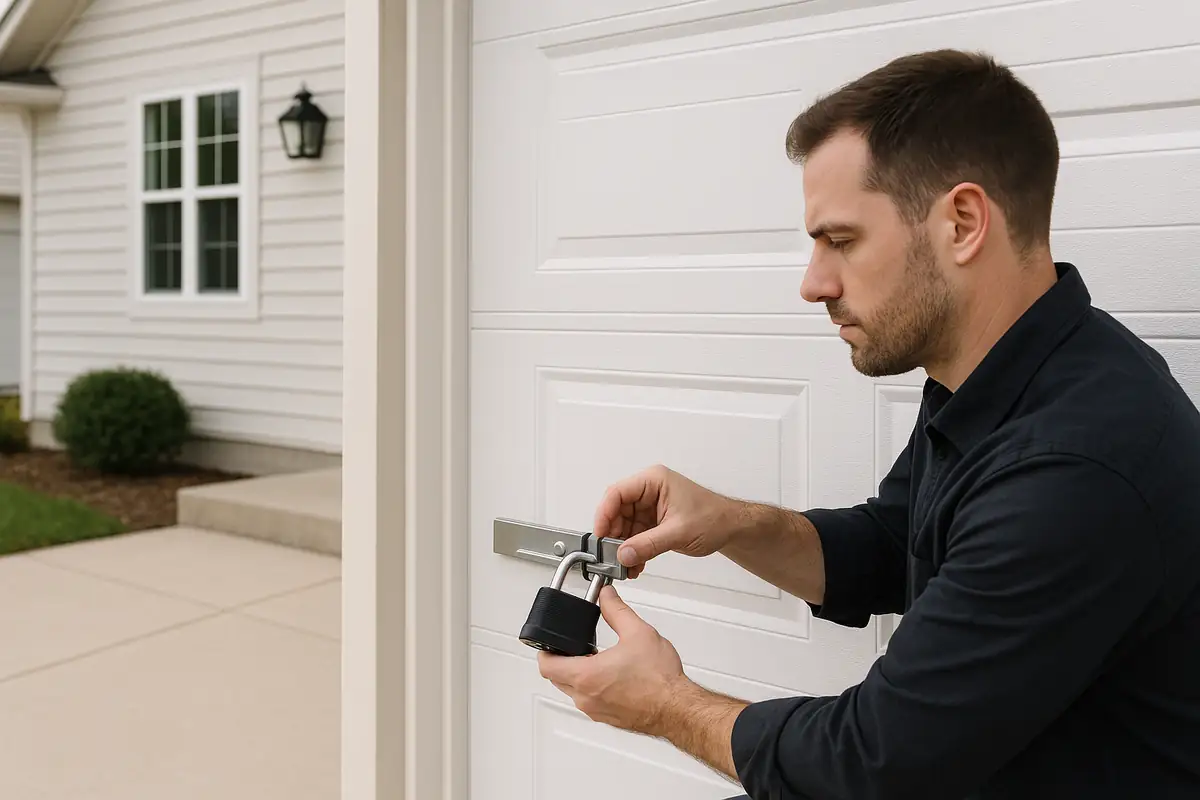
How to Program Your Garage Door Remote: A Complete Guide by Rescue Garage Door Repair
Weather-Proofing Your Garage Door in San Ysidro, CA: Essential Tips
